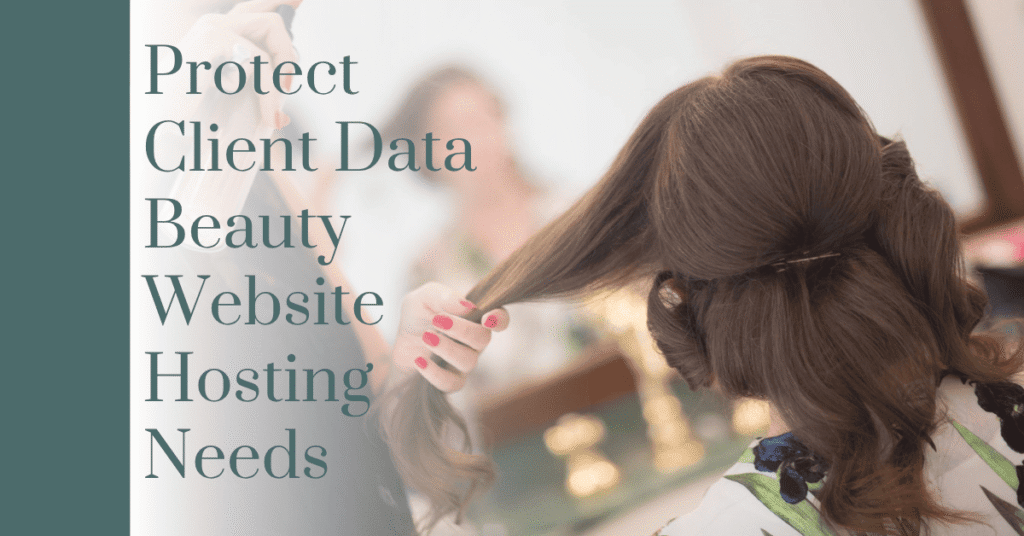
SSL, Daily Backups & GDPR: How to Protect Client Data Beauty Website Owners Need to Know
Most salon and spa owners don’t think of their website as a place where sensitive data lives. But if you run online bookings, you’re collecting names, phone numbers, email addresses, and often payment or deposit details. If your services involve intake forms — skin conditions, allergies, health notes for massage or aesthetic treatments — you’re holding information that’s genuinely private.
If you want to protect client data beauty website owners rely on daily, it doesn’t require becoming a cybersecurity expert — just knowing what to check for. It’s about making sure your hosting has three specific things in place: SSL, daily backups, and basic GDPR-aware features. Most owners assume their host already handles all of this. Many don’t — especially on budget or outdated hosting plans.
Let’s go through what each of these actually does, why it matters specifically for a beauty or salon business, and how to check if you already have it.
Disclosure: This post recommends tools and services based on personal use and experience. If I join an affiliate program for any of these in the future, I’ll clearly mark those links as affiliate links.
Why Beauty Websites Are a Bigger Target Than Owners Assume
A brochure site with no forms and no bookings is a low-value target — there’s nothing to steal. A salon website with an active booking system is different. It’s collecting personal data continuously, every single day, from real clients who trust you with it.
That combination — collecting personal data plus running on hosting that wasn’t built with security as a priority — is exactly the gap that gets exploited. Not necessarily by a targeted attack against your specific business, but by automated scans that sweep the internet looking for exactly this kind of unprotected setup.
SSL: More Than Just "The Padlock"
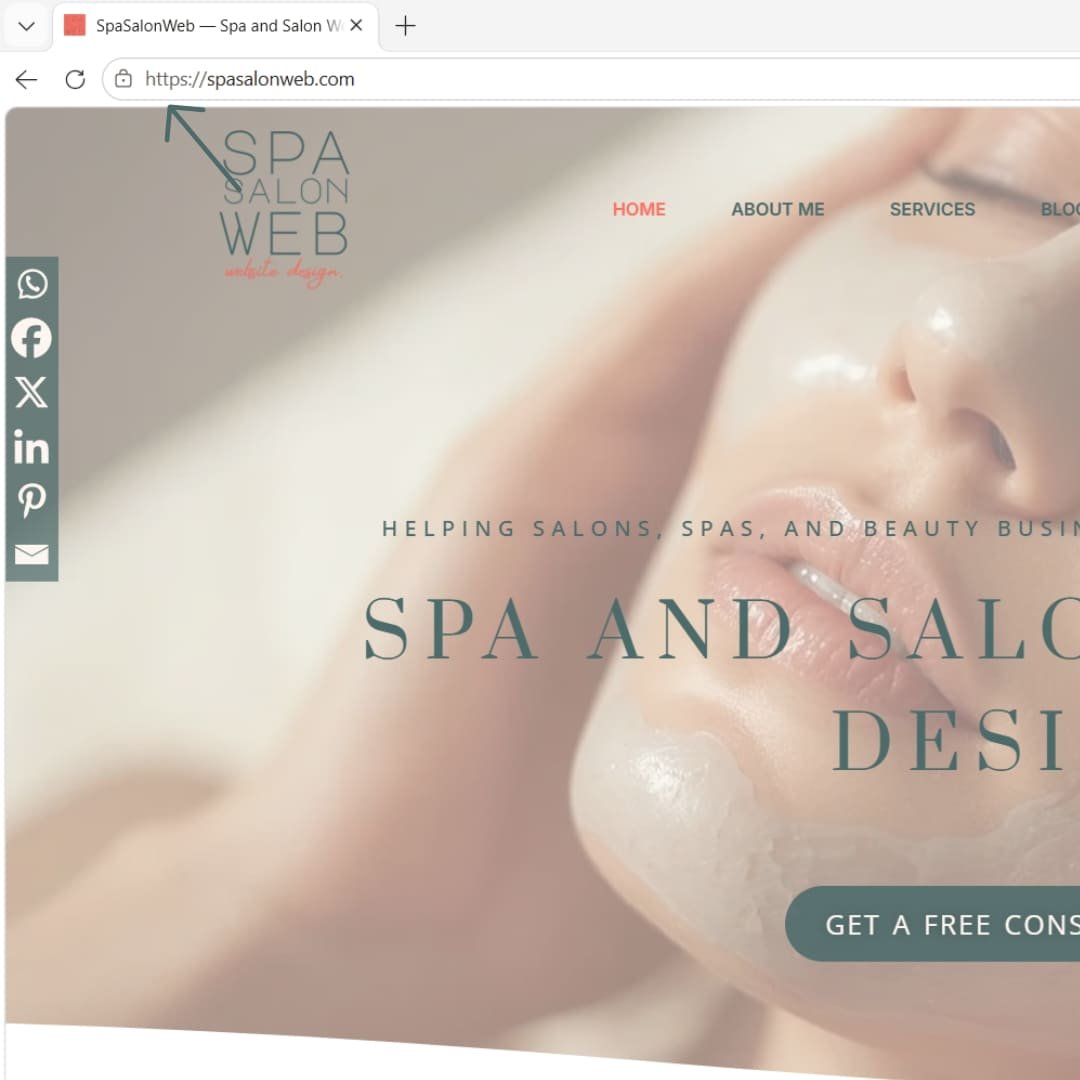
SSL (Secure Sockets Layer) is what encrypts the connection between your visitor’s browser and your website. You’ve seen it as the padlock icon next to your URL, or the “https://” instead of “http://”.
Here’s why it matters specifically for your booking form: without SSL, any information a client types in — name, phone number, card details for a deposit — travels across the internet unencrypted. That means it’s technically interceptable, particularly on public WiFi, which is exactly where a lot of your clients are booking from.
Beyond the direct risk, there are two practical consequences of not having SSL properly configured:
- Browsers actively warn visitors. Chrome and other browsers display a “Not Secure” label in the address bar for sites without SSL, which is a fast way to make a potential client abandon your booking page immediately.
- It affects your search rankings. Google has confirmed HTTPS as a ranking signal, meaning a site without SSL is working against itself in search results before a client even arrives.
Most quality hosting providers now include free SSL certificates by default, but it’s worth manually checking — not every certificate installs and renews correctly, and an expired certificate causes the same “Not Secure” warning as never having one.
Daily Backups: Your Business's Undo Button
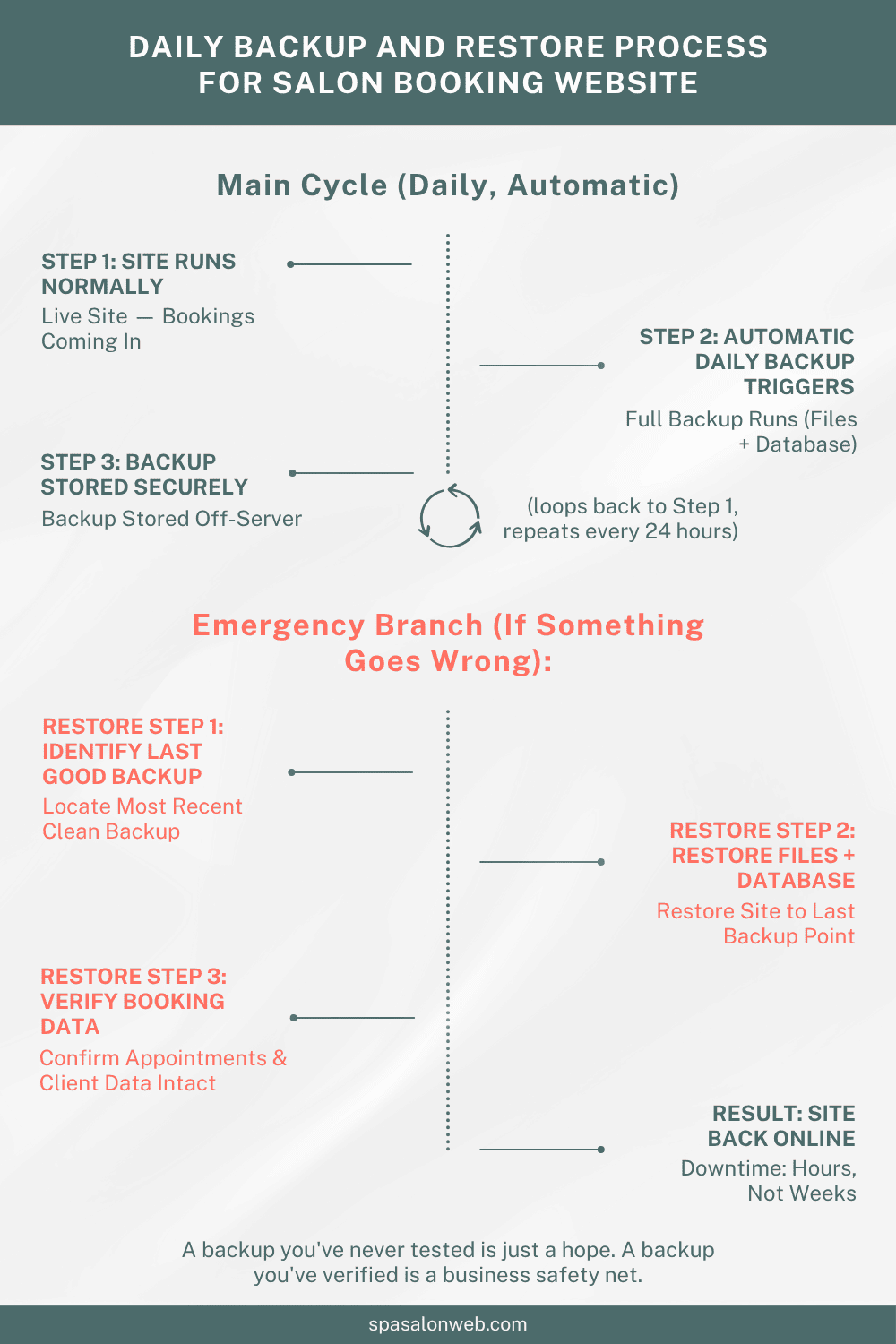
Here’s a scenario I’ve seen play out for real salon clients: a plugin update goes wrong, or a hosting server has an issue, and the site goes down or gets corrupted. Without a recent backup, that’s not a quick fix — that’s potentially losing your entire booking history, client contact list, and site content in one afternoon.
Think about what’s actually at stake if that happens without a backup in place:
- Every upcoming appointment on the calendar, gone
- Client contact history you’d need to manually rebuild from memory or old emails
- Days or weeks of lost bookings while you scramble to rebuild the site from scratch
- Real revenue loss, on top of the reputational cost of a broken or missing website
Daily backups mean that worst case, you lose a few hours of data — not weeks of it. This is one of the cheapest insurance policies available for a booking-driven business, and it’s often included free with decent hosting plans, yet frequently left unconfigured or unchecked.
A backup is only useful if it’s actually being tested occasionally too — a backup system that’s silently failing in the background gives you false confidence right up until the moment you actually need it.
GDPR-Relevant Hosting Features (General Guidance, Not Legal Advice)
If you serve clients in the UK, EU, or handle data from EU residents, GDPR considerations apply to your business — and your hosting plays a role in that, even though it’s not the whole picture.
Important note: what follows is general information to help you understand what to look for in hosting, not legal advice. GDPR compliance involves more than hosting choices, and you should consult a qualified legal professional for guidance specific to your business.
With that said, here are hosting-related features that commonly come up in this conversation:
- Data storage location. Some businesses prefer or are required to have client data stored on servers within specific regions (such as the EU), depending on their compliance obligations.
- Cookie consent tools. If your site uses analytics or marketing cookies, a proper consent banner (often via a plugin, but dependent on your hosting supporting it smoothly) is a common requirement.
- Data deletion and export capability. Clients have rights to request their data be deleted or provided to them — your hosting and booking plugin setup should realistically allow this without it being a manual database nightmare.
- Encrypted storage. Beyond SSL for data in transit, some hosting providers offer additional encryption for data at rest, which is relevant if you’re storing more sensitive client information like health intake forms.
None of this replaces an actual compliance review with a professional. But if your current hosting can’t even tell you where your data is physically stored, or offers no way to delete a specific client’s records if asked, that’s worth flagging as a gap.
Hosting Feature Checklist: What to Look For Today
Run through this list against your current hosting setup:
- Is SSL active and auto-renewing? Check for the padlock and confirm there’s no “Not Secure” warning.
- Are backups running daily, automatically? Not just available as a manual option — actually scheduled and running.
- Have you ever tested a backup restore? Knowing backups exist isn’t the same as knowing they work.
- Do you know where your client data is physically stored? Your host should be able to answer this clearly.
- Can you delete or export a specific client’s data if requested? This should be realistically possible, not theoretical.
- Is your booking plugin’s data included in your backup routine? Some backup tools miss custom database tables used by booking plugins.
If two or more of these come back as “I’m not sure,” that’s a reasonable sign it’s time for a proper review rather than assuming everything’s fine.
Getting This Right Without Becoming a Security Expert
You don’t need to personally understand server encryption or GDPR case law to run a beauty business safely online. You need hosting and a setup that handles the fundamentals correctly, and enough awareness to know what questions to ask.
SSL, daily backups, and GDPR-aware features aren’t advanced add-ons — they’re baseline expectations for any business collecting client data in 2026. The businesses that get caught out are almost always the ones who assumed their hosting had this covered without ever actually checking. If your goal is to genuinely protect client data beauty website visitors trust you with, these three checks are where that responsibility actually starts.
Want to know where your current hosting actually stands? I offer a free hosting security review for spa, salon, and beauty business websites — I’ll check your SSL setup, backup configuration, and basic GDPR-relevant hosting features, and give you a clear, honest picture of what’s solid and what needs attention.

Get a Free Hosting Security Review — protect client data beauty website
Frequently Asked Questions — salon website examples
Q1: Does my salon website really need SSL if I'm a small business?
A: Yes. SSL protects any data clients enter on your booking form, prevents browsers from showing a “Not Secure” warning, and is also a confirmed ranking factor in Google search results, regardless of business size.
Q2: How often should my salon website be backed up?
A: Daily backups are recommended for any site handling live bookings and client data, since even a few hours of lost data can mean missing appointments or client records that are difficult to rebuild manually.
Q3: Is my salon website automatically GDPR compliant if I have SSL and backups?
A: No. SSL and backups support data security, but GDPR compliance involves broader considerations like consent, data storage location, and client data rights. This article is general information, not legal advice — consult a qualified professional for full compliance guidance.